
That report (1).pdf in your Downloads folder probably isn’t alone. Here’s how to find unwanted copies—and choose a tool that won’t delete the wrong ones.
Browsers download files you already have, photos get imported twice, and old backups stay around “just in case.” Over time, duplicate files can quietly consume gigabytes of storage.
What exactly counts as a duplicate?
Two documents may have different names but identical contents. Two photos might look alike but differ in resolution or edits. And two music tracks with the same title might be completely different recordings.
Finding duplicates is only half the job. You also need to decide which copies to keep. A useful tool should let you inspect its results and understand whether removed files go to Trash or disappear permanently.
Which duplicate finder should you choose?
Start with what you need to clean up. Scroll down for real application screenshots and a short explanation of each option.
| Application | Best for | Price | Removal |
|---|---|---|---|
| Apple Photos | Photos already in your library | Free | Recently Deleted |
| Gemini 2 | Guided duplicate cleanup | $23.40/year · $44.95 one-time | Trash by default |
| CleanMyMac | Overall disk cleanup | $39.95/year | Permanent for ordinary files |
| PhotoSweeper | Similar and edited photos | €17.99 one-time | Trash / library-specific |
| Cisdem | Detailed keep/delete rules | $19.99/year · $39.99 one-time | Trash / folder / permanent |
| dupeGuru | Free scanning and music | Free | Trash / move to folder |
| Krokiet / Czkawka | Advanced free scanning | Free | Trash or permanent |
| Path Finder | Files, projects and folder comparison | $32.95 / 1-year license | Move to Trash |
Prices checked October 15, 2026; USD unless stated otherwise. Storefront, region, promotions and renewal prices may differ. Removal behavior can depend on file location.
A closer look at the apps
Short descriptions, actual application screenshots, and a link to learn more.
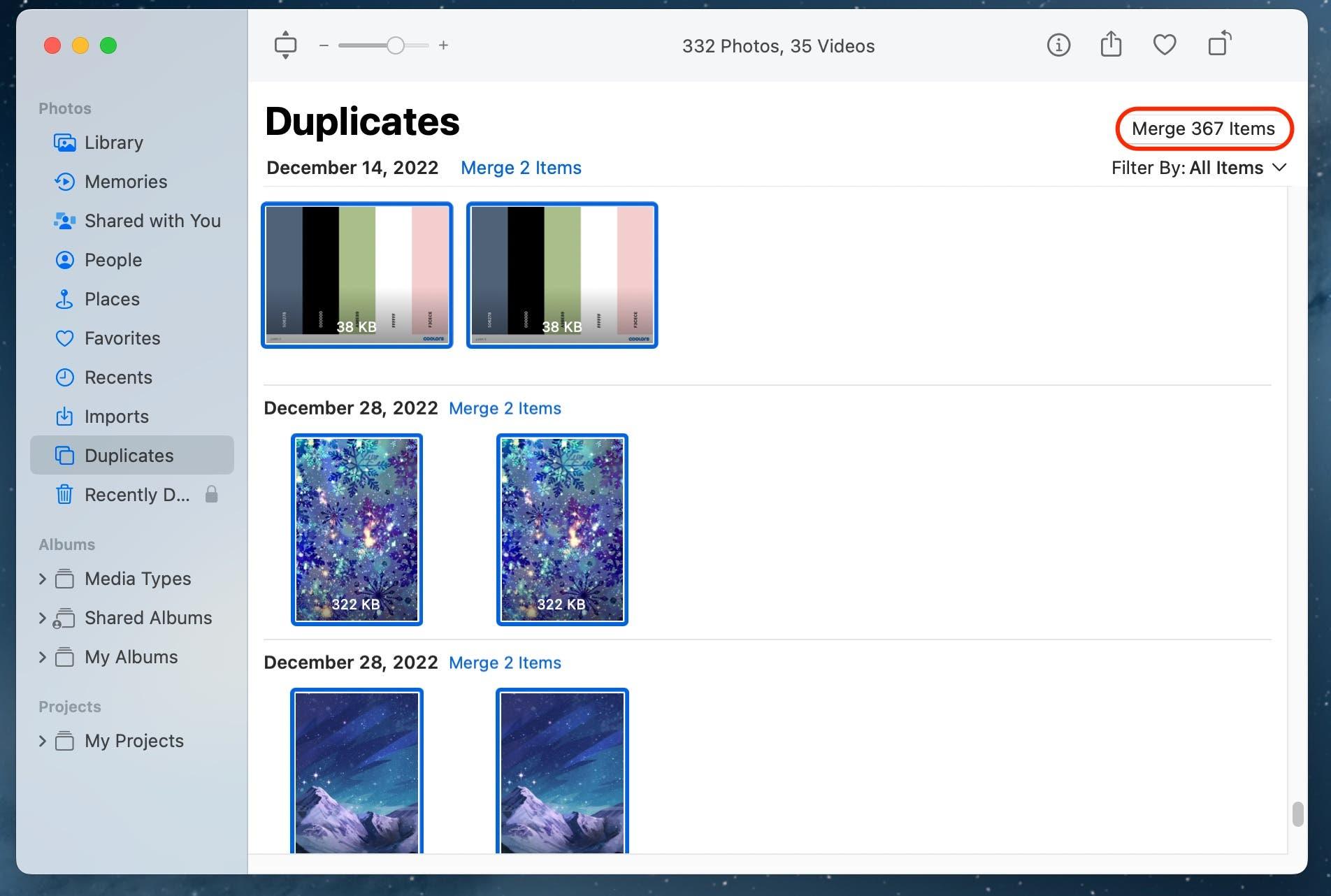
Apple Photos
Start here if your duplicates are in your Photos library. Photos groups matching pictures and videos and lets you merge them, keeping a consolidated version.
Best for: everyday photo-library cleanup · Free
Price: Included with macOS
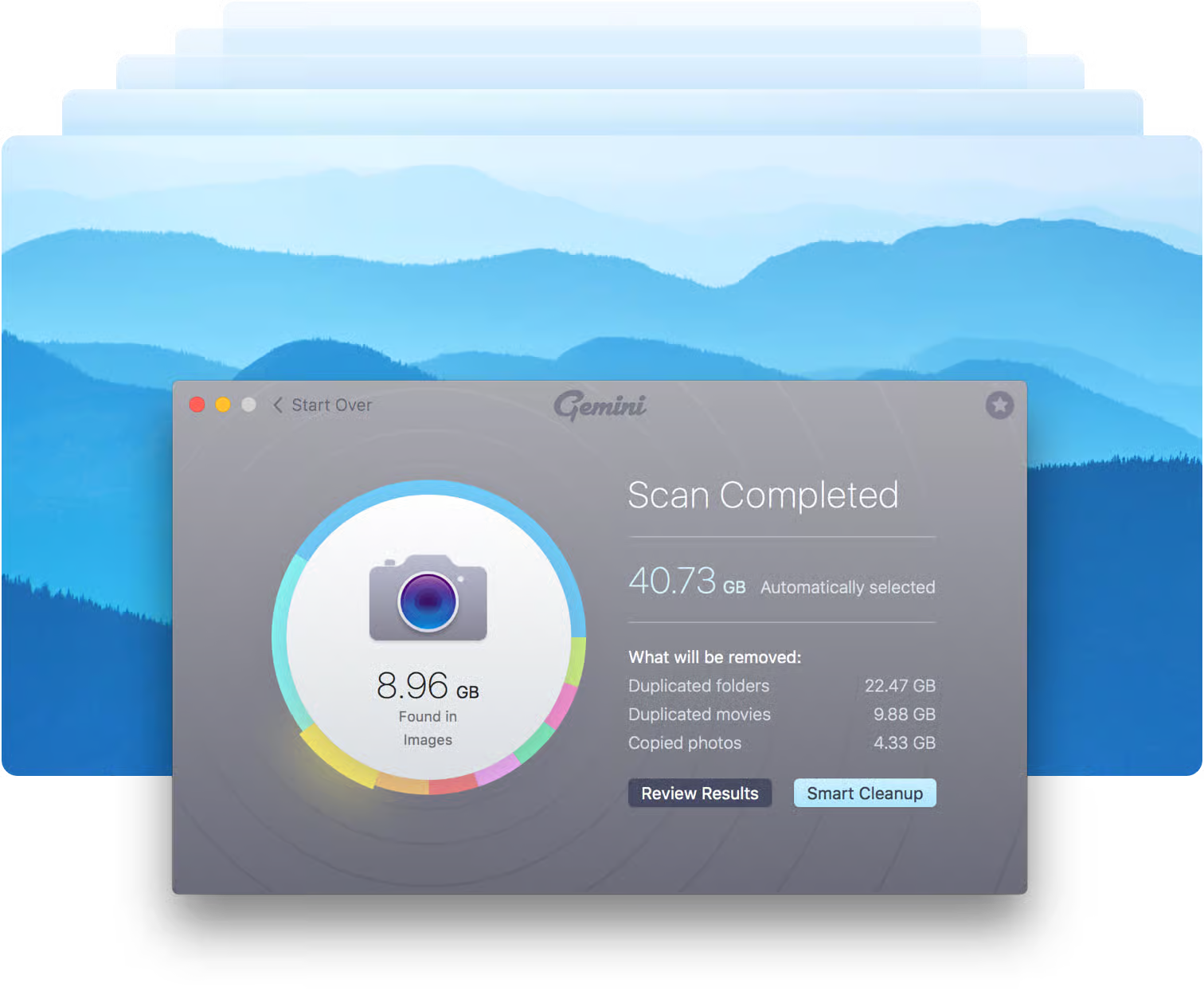
Gemini 2
Find identical files and similar photos, review the matches, and use Smart Selection to choose copies for removal. Normally moves files to Trash.
Best for: people who want a guided cleanup · Paid
Price: $23.40/year or $44.95 one-time
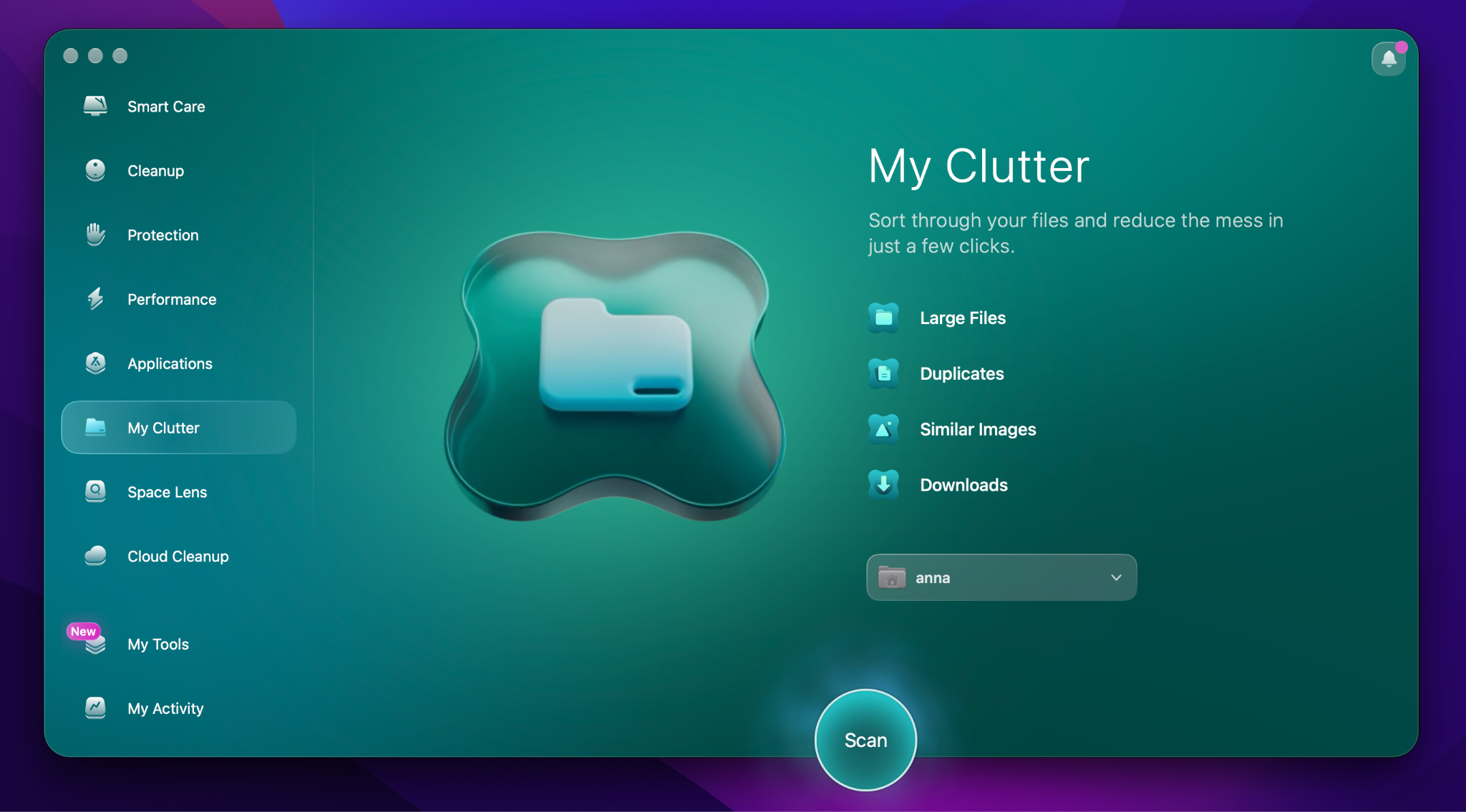
CleanMyMac
My Clutter finds duplicates and similar photos alongside other cleanup tools. Useful when freeing disk space is your larger goal.
Price: From $39.95/year
Be aware: ordinary files are permanently removed, bypassing Trash.
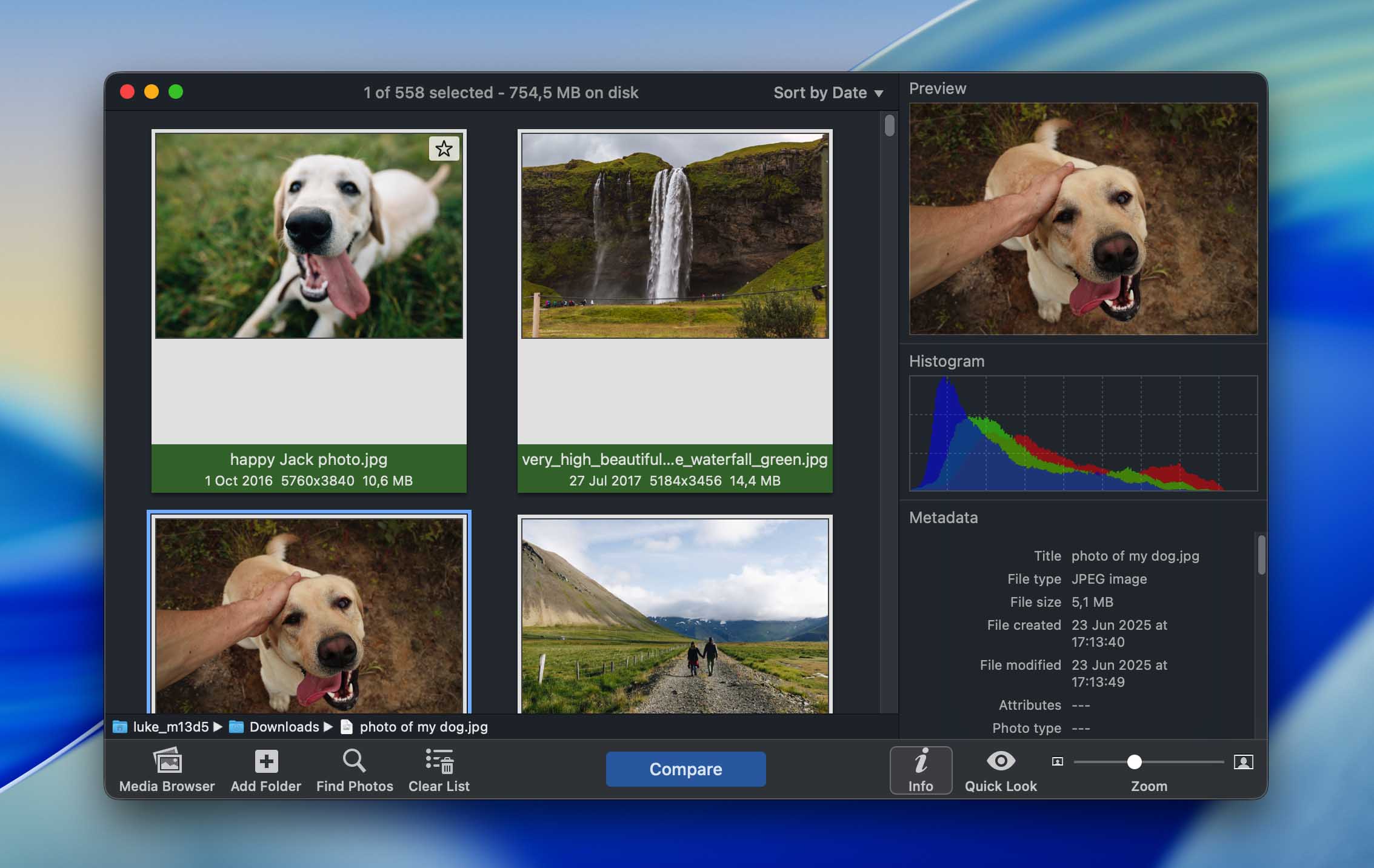
PhotoSweeper
Detect visually similar photographs effectively, with extensive settings for fine-tuning comparisons. Especially useful for large photo collections.
Best for: photographers and near-identical images · Paid
Price: €17.99 one-time
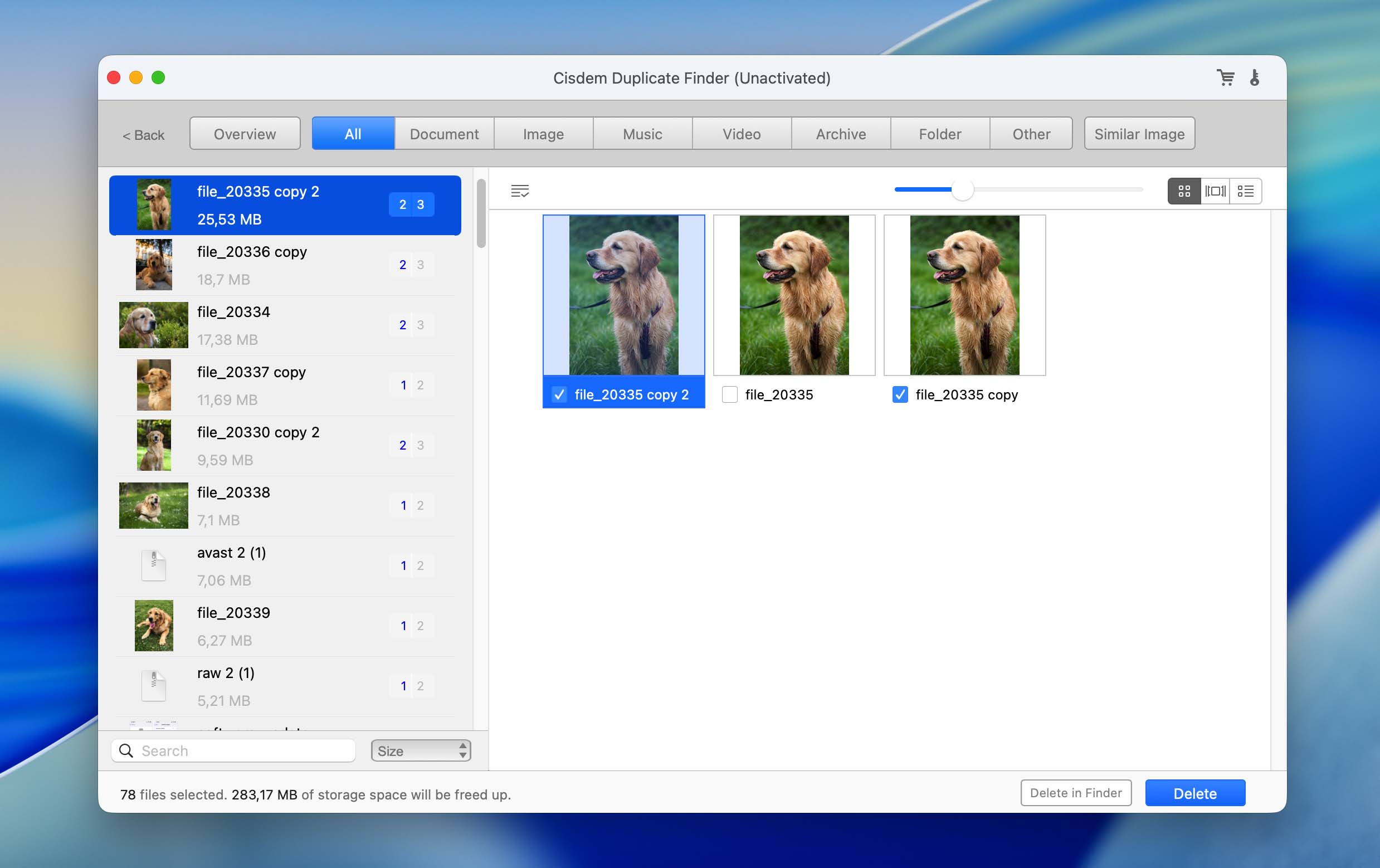
Cisdem Duplicate Finder
Find duplicates by content even when filenames differ, and review similar images. Choose whether to move matches to Trash, send them to a folder, or delete permanently. The free version allows scanning and review, but not deletion.
Best for: people who want more selection control · Paid
Price: $19.99/year or $39.99 one-time
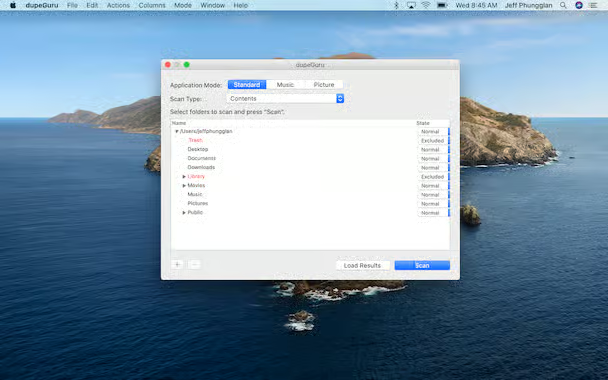
dupeGuru
A free, open-source tool with separate scanning modes for standard files, pictures, and music. The interface is basic and lacks an integrated preview, but detected duplicates can be moved to a chosen folder for later review.
Best for: free file and music cleanup
Price: Free, open source
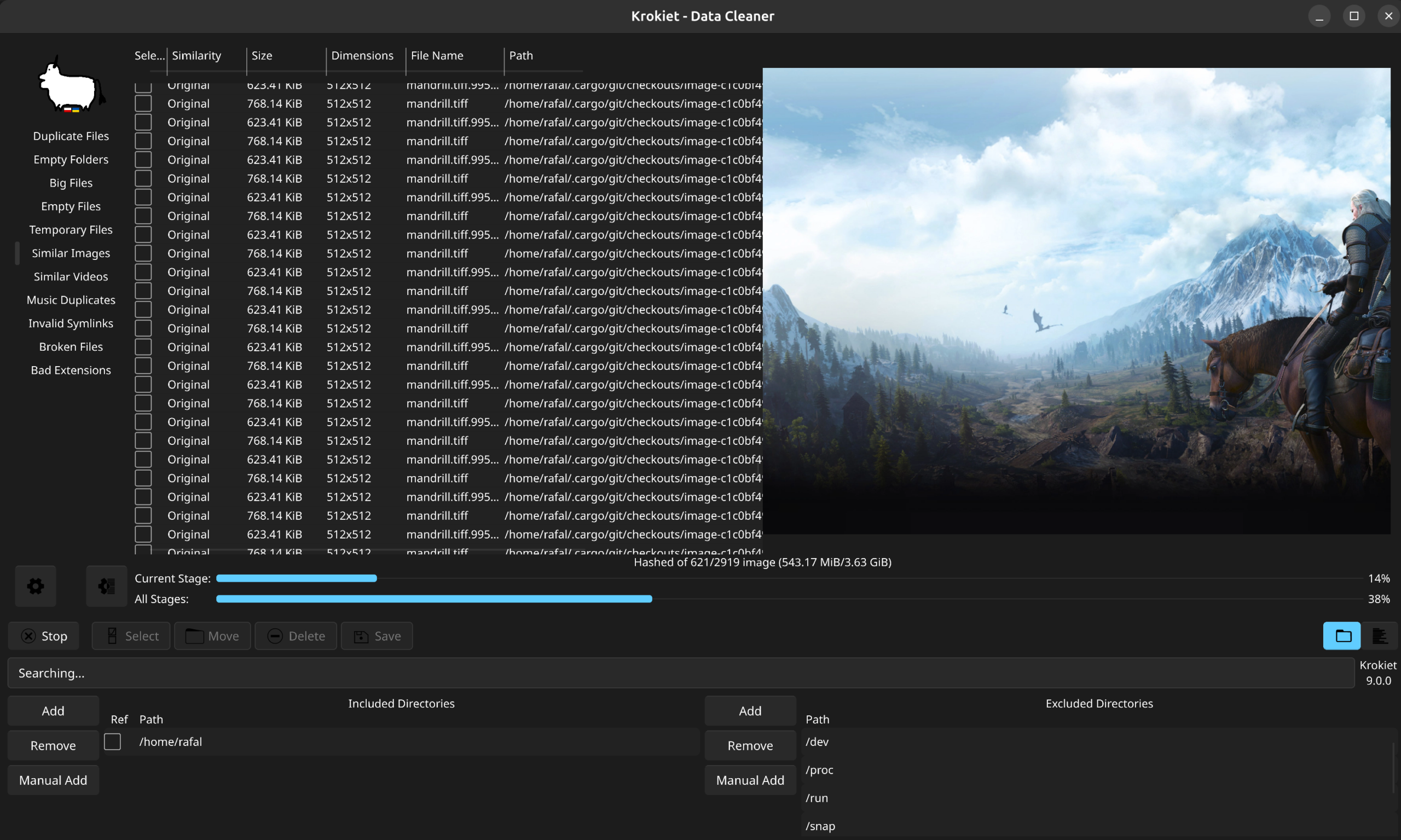
Krokiet / Czkawka
A free, open-source tool for finding duplicate files, similar images, and other repeated media. On macOS, setup requires Terminal commands; a separate command-line tool is available for automation.
Best for: confident users who want many scanning modes
Price: Free, open source
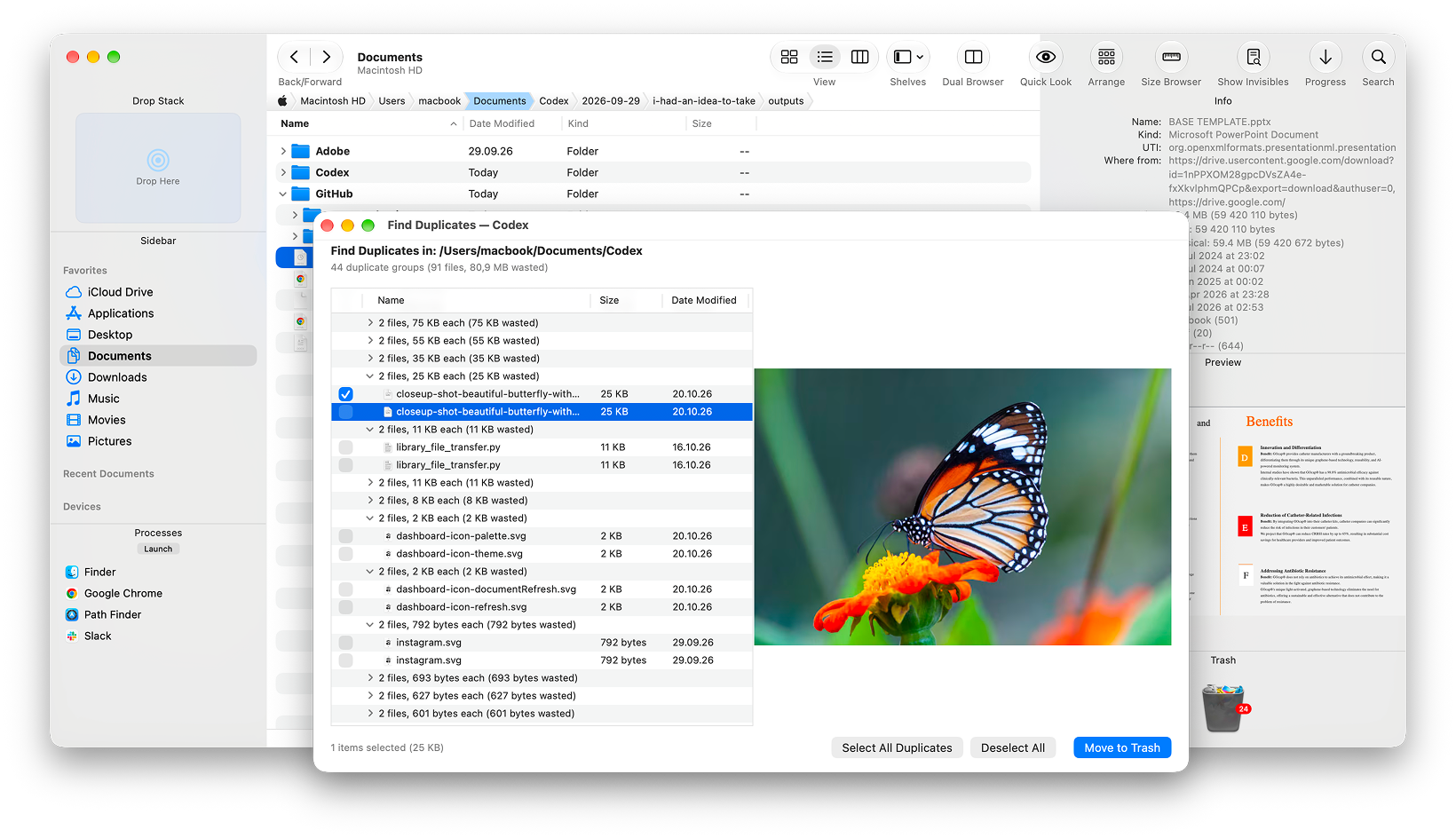
Path Finder
Find exact duplicate files while organizing your folders. Compare and synchronize project folders, work in dual panes, and move files between locations.
Best for: projects, archives and ongoing file management · Paid
Price: $32.95 for a one-year license
A free trick with Finder
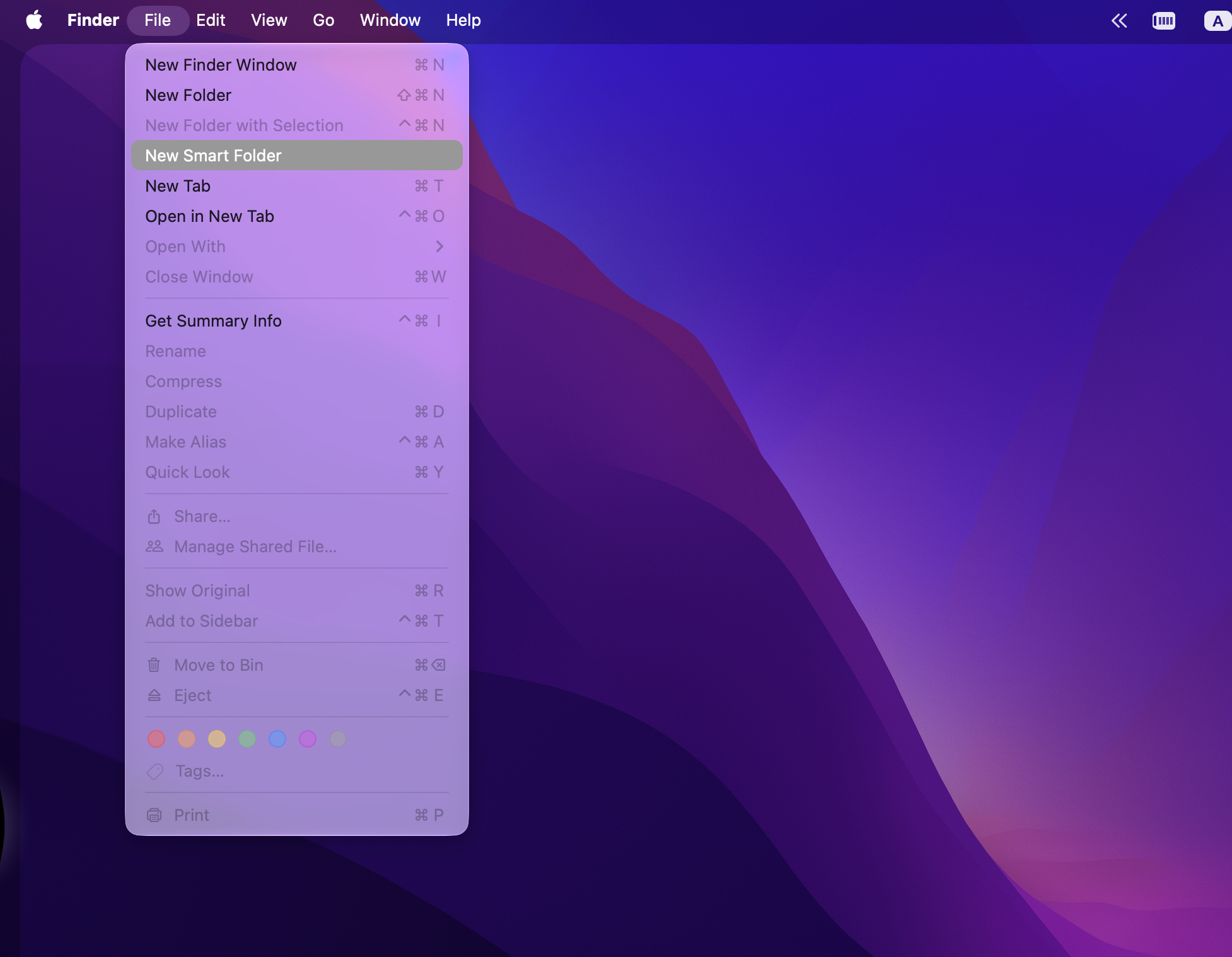
Press ⌘F in Finder, search This Mac, and sort the results by name or size. This can bring likely copies from different indexed folders into the same list. It isn’t true duplicate detection: two files with matching names may contain different data.
Before you delete anything
Try a small scan first. Preview the matches, check which copy will remain, and find out whether the application uses Trash or permanently deletes files. Back up important files before a large cleanup.
Keep the right copy.
The goal isn’t to delete the most files. It’s to remove copies you no longer need without losing anything important.